The OmniDAW API lets other programs drive Omni: create tracks, write notes and chords, set up effects, automate parameters, listen to the result, master it and export it. The first user is an AI assistant (through the Model Context Protocol, MCP), but the API is plain JSON, so scripts, hardware controllers, test harnesses and your own tools use it the same way.
This section is everything a developer needs to build on it: the concepts and a first call on this page, the wire protocol, the full method reference, a guide to building your own MCP server, client libraries, working recipes, and security and licensing.
Free to build on. The API is documented in full on these pages, and the example code (a Python client, an example MCP server, small clients in Node.js and Rust) is free to download and use under the MIT License. You can build and distribute your own MCP server or client for Omni without asking. Download the examples (zip).
How it fits together
 AI client (Claude Desktop, Claude Code, Cursor, ...)
      |  MCP over stdio
      v
 omni-mcp                 the MCP server: tools, prompts and resources
      |                   made from the method catalog
      |  OmniDAW API: JSON-RPC 2.0, one object per line, TCP 127.0.0.1
      v
 Omni                     listener thread -> UI thread -> the same code
      |                   as a click on the screen
      |  engine commands
      v
 audio engine             untouched: the API never runs on the audio thread
Four ideas hold everything together:
- One catalog. Every capability is a method with a description written for a model, a JSON Schema for its parameters and a ready example. MCP tools, the
api.methodsdocument and the reference are all generated from it. - The same path as the user. A call does what the matching click does. It runs on the UI thread, so the audio thread is never blocked.
- Everything reversible. Each edit is one step in Omni's Undo History, labelled
API: .... The user takes back anything an assistant did with Ctrl+Z, and the assistant can calledit.undoitself. - Ears before hands. Whatever changes the sound can also be measured: meters, loudness, spectrum, stereo width, masking. An agent can check its own work.
What you can do
| Area | Examples |
|---|---|
| Compose | Scales, chords and progressions in 18 styles with voice leading; melodies in 12 styles; harmonize a melody; drum patterns; MIDI effects and generators rendered to notes |
| Arrange | Build a song from scenes, place and edit timeline clips, markers, loop regions, tempo map and time signature changes, groove |
| Sound | Built-in and plugin instruments with their presets, every parameter of instruments and effects, automation lanes, sends and returns |
| Mix | Effect chains on tracks, returns and master; live meters; capture and analyse the master or a track; compare two captures for masking |
| Master | Delivery targets (Spotify, Apple Music, YouTube, EBU R128 and more), verdicts, a mastering chain built from a measurement, export to WAV |
| Audio | Import audio, slice a sample and play patterns or melodies from the slices, transcribe audio to notes, split a mix into stems |
There are 102 methods in 24 domains. The reference lists all of them.
Turn it on
The API is off by default, because it opens a port on your computer (only reachable from your own machine).
- In Omni open Settings, AI Create and switch on Enable OmniDAW API. To turn it on for one run only, start Omni with
--apior setOMNI_API=1. - Omni writes a file with the port and a fresh secret token,
endpoint.json, in its settings folder:
| System | Settings folder |
|---|---|
| Windows | %APPDATA%\omni |
| macOS | ~/Library/Application Support/omni |
| Linux | $XDG_CONFIG_HOME/omni, else ~/.config/omni |
The file is api/endpoint.json inside that folder and exists only while Omni runs with the API on. Clients read it to find Omni; nothing else on the network can.
Your first call
The quickest way in is the Python client, one file that needs nothing but a recent Python 3 (download omnidaw.py):
from omnidaw import Omni

with Omni() as omni:
    print(omni.session.info())
    for track in omni.tracks.list():
        print(track["index"], track["name"], track["kind"])
Behind that is one JSON line per call. This is what the client sends over a plain TCP connection to 127.0.0.1:
{"jsonrpc":"2.0","id":2,"method":"session.info"}
and what comes back:
{"jsonrpc":"2.0","id":2,"result":{"api_version":"0.21.0","app_version":"0.1.0","dirty":false,"engine_running":true,"project_name":"My Song","project_path":"C:\\Music\\My Song.omni","return_bus_count":1,"sample_rate":48000,"scene_count":8,"track_count":5}}
(Results grow with new versions; clients should ignore fields they do not know.) Before the first call, a connection must say hello with the token; the protocol page shows the handshake. The Python client does it for you.
Connect an AI assistant
Omni ships an MCP server, omni-mcp, built from the same catalog. It lands next to the Omni executable. In Settings, AI Create, Copy MCP config gives you the entry to paste into your assistant's configuration:
{
  "mcpServers": {
    "omni": { "command": "C:\\path\\to\\omni-mcp.exe" }
  }
}
For Claude Code: claude mcp add omni -- C:\path\to\omni-mcp.exe.
On Linux Omni is an AppImage and omni-mcp is inside it. Run the AppImage with --mcp to start the MCP server (./Omni-x86_64.AppImage --mcp). Copy MCP config then gives you an entry with the path of your AppImage and that flag; for Claude Code: claude mcp add omni -- /path/to/Omni-x86_64.AppImage --mcp.
The server starts even when Omni is not running; tools then answer with a clear error, and the next call connects by itself once Omni is up, also after it restarts. It also offers ready-made prompts (mix review, loudness check, masking check, mastering for a target, arranging a song, composing a loop) and read-only resources.
Want a different server, or one in another language? That is what Building an MCP server is for.
Versions
The API is versioned major.minor.patch. A client built for an older minor version keeps working, because new versions only add methods and fields. Omni accepts any client with the same major version and a version not newer than its own. Current version: 0.21.
| Version | Added |
|---|---|
| 0.1 | Foundation: session, transport, tracks, instruments, session clips, live meters, undo and redo |
| 0.2 | Music theory and progressions, clip transforms, scenes, deleting tracks |
| 0.3 | Instrument swap, moving tracks, renaming scenes, clip length, analysis of a clip's chords and key |
| 0.4 | Effect chains on tracks, returns and master; the mixer (sends, returns, master) |
| 0.5 | Listening: jobs, capture and analysis of the master or a track, masking comparison |
| 0.6 | Mastering: delivery targets, verdicts, mastering chain, file analysis, export to WAV |
| 0.7 | Arrangement: songs from scenes, timeline clips, markers, loop |
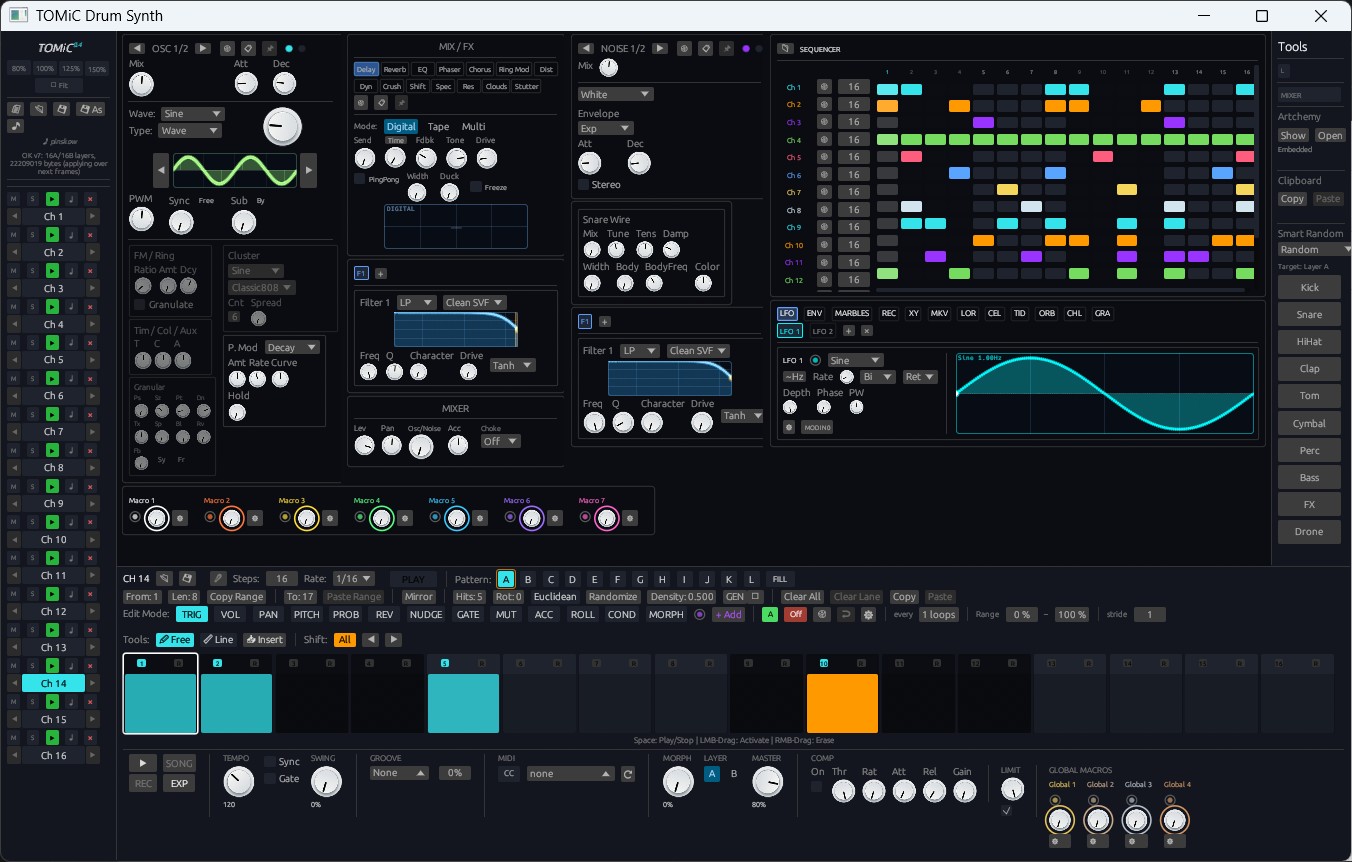
| 0.8 | Drum patterns for the TOMNIC drum synth |
| 0.9 | Every parameter of instruments and effects, plugins included |
| 0.10 | TOMNIC on the timeline, saving the project |
| 0.11 | Creating and removing return buses, option labels for choice parameters |
| 0.12 | Automation lanes |
| 0.13 | Editing, copying and removing single timeline clips |
| 0.14 | Plugin instruments and their presets |
| 0.15 | Melody generator, harmonizing, duplicating tracks, per-note expression |
| 0.16 | MIDI effects, plugin effects on every chain |
| 0.17 | Fast offline export, stems, dithering |
| 0.18 | Tempo map, time signature changes, groove |
| 0.19 | Audio import, transcription, stem splitting, sampler and slicing |
| 0.20 | Capabilities in the handshake, the Python client |
| 0.21 | Rendering MIDI effects and generators to clips |
Where to go next
- Just want to try it? Run the recipes: a chord loop with a melody, a filter sweep, a mastering loop, chopping a break.
- Building an MCP server? Read Building an MCP server, which includes a complete working server in about 100 lines.
- Writing a client in another language? The protocol is small: sockets and JSON.
- Looking for a method? The reference has every parameter and a ready request for each.
Practical step-by-step guides: Creating your first drum beat, bassline, recording melodies with Scale Fold, chaotic modulation, and track export.
The OmniDAW API on the wire: discovery, handshake, requests and errors, units, references, effects and undo, jobs, limits and versioning.