Build: 0807182 | October 14 – 15, 2026
Following the massive release that introduced ARA 2 support, rewritten algorithmic MIDI generators, and the Session Live Looper, development on Omni shifted immediately to the engine’s foundations: system efficiency, memory footprint, and low-power idle operation.
The latest commits deliver a dramatic reduction in RAM consumption, slash idle CPU usage to near zero, and add a seamless update notifier to keep your workstation current. Here is what has landed in the latest build!
⚡ Sampler WarpPool: Reclaiming Over 2 GB of RAM
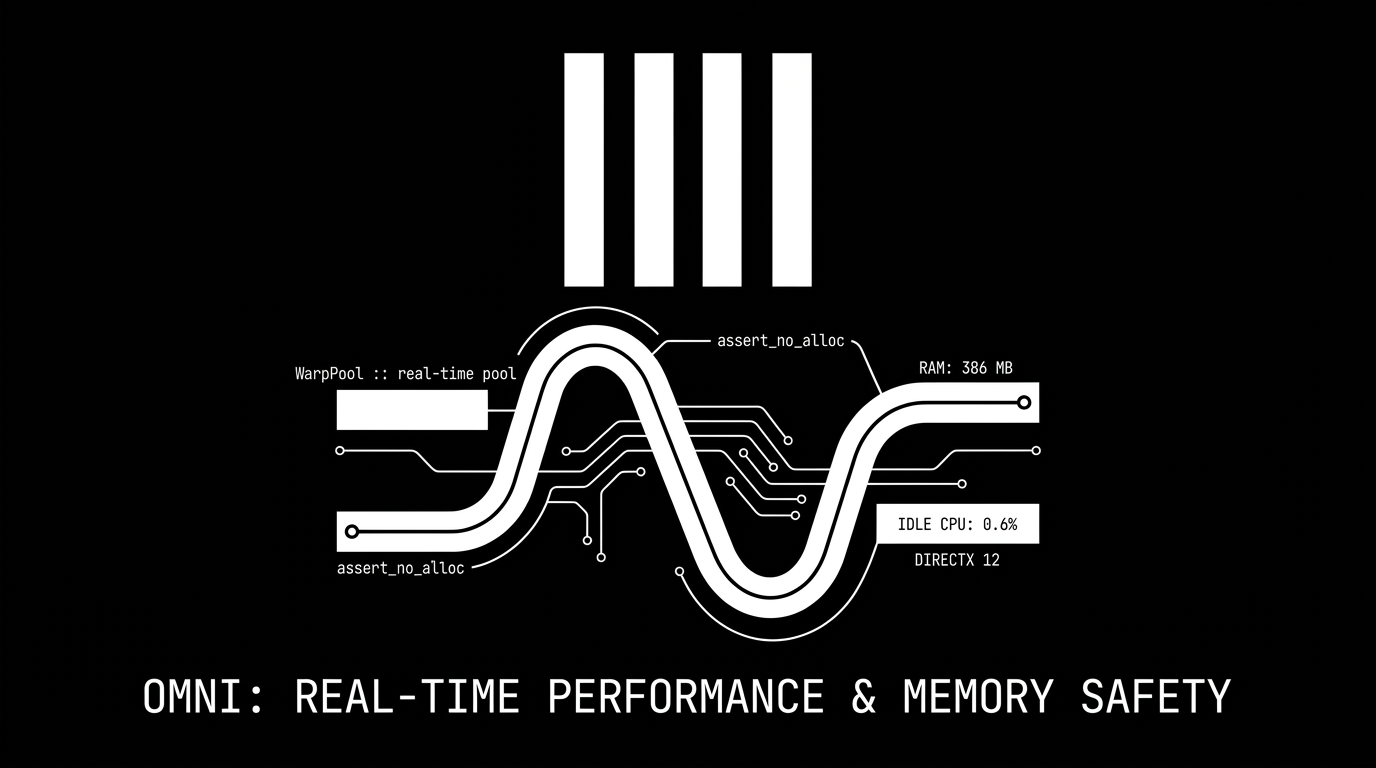
Previously, each of the 256 sampler voices (32 tracks × 8 voices) pre-allocated its own phase vocoder timestretch engine (~9.5 MB each) on startup. As a result, Omni reserved upwards of 2.4 GB of RAM right out of the gate — and ironically, the first note triggered with warp enabled still performed heap allocations on the audio thread.
We have completely redesigned this mechanism around an autonomous, thread-safe WarpPool:
- Shared Pool on Demand: Instead of hundreds of idle timestretch processors sitting in memory, voices now hold a lightweight, empty
WarpSlot. When a note triggers warp playback, it instantly borrows a pre-initialized processor matched to its mode from the engine's shared pool, returning it as soon as the note ends. - Dedicated Background Worker: A background thread (
omni-warp-pool) cleans, resets, and primes recycled processors off the audio thread. The audio callback only swaps pointers through bounded lock-free channels. Warp playback is now 100% real-time safe with zero allocations on the audio thread (assert_no_alloc). - Real-World Benchmarks (Empty Project):
- Working memory set: dropped from 728 MB to 386 MB (nearly a 50% drop).
- Virtual memory reservation: cut from 3.4 GB down to 1.0 GB.
💤 Silent Running: Idle CPU Drops from 30% to 0.6%
If you noticed your laptop fans spinning up even when Omni was sitting idle with no audio playing, here is why — and how it was solved:
- The Cause: The window title was previously updated on every UI frame. In the
eguiframework, any viewport command unconditionally requests another immediate frame redraw, forcing the application to re-render continuously at your monitor's full refresh rate (e.g. 144 Hz). This consumed roughly ~30% of a CPU core while doing nothing. - The Fix: Window title updates are now dispatched to the OS only when the text actually changes.
- The Result: Idle CPU consumption plummeted from ~30% down to a negligible 0.6%! Omni now rests quietly in the background, keeping your computer cool and significantly extending laptop battery life during mobile sessions.
🔔 In-App Update Notifications
With Omni evolving rapidly, staying on the latest build is essential:
- Background Version Check: On startup, a lightweight worker checks for new releases by comparing the embedded binary commit hash with the server.
- Unobtrusive Indicator: When a newer build is detected, a subtle update icon and a clean notification badge appear next to the Settings icon in the transport bar.
- The check runs fully asynchronously without adding any latency to audio engine boot or project loading.
🚀 DirectX 12 Fast-Path & Cleaner Logs
- Direct DX12 Boot: On Windows, the
wgpurendering layer now boots straight into the optimized DirectX 12 backend without probing Vulkan or OpenGL fallbacks first, shaving startup latency. - Targeted GPU Selection: By default, Omni selects the dedicated GPU for silky-smooth UI rendering, while retaining the
OMNI_GPU=integratedenvironment switch for producers who want maximum power savings on battery. - Streamlined Diagnostics: Shader source dumps on startup have been demoted from INFO level, keeping the console log concise and focused on relevant project events.
Build 0807182 is available now. If you are already running an earlier build, look out for the new update badge or grab the latest release directly from the site! 🚀