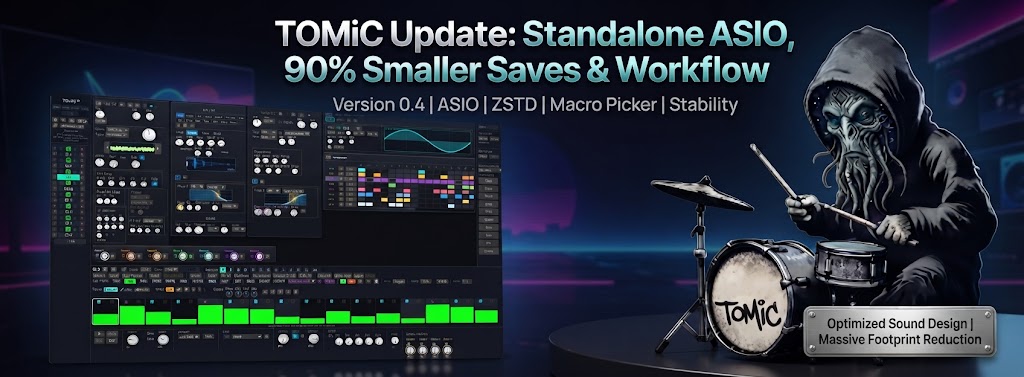
Following our massive update with new synthesis models and mix modes, we've dedicated the latest release of TOMiC Drum Synth to deeply refining workflow, expanding hardware integration, and dramatically optimizing resource footprint.
This update introduces native ASIO support for standalone users, completely overhauled target pickers for complex sound design, and an incredibly optimized save structure. Here's everything new in the latest version:
🎛️ 1. Filterable Multi-Select Macro Target Picker
We've massively upgraded how you assign modulations. The Modulation Target Picker is now larger, more powerful, and designed for complex multi-parameter control:
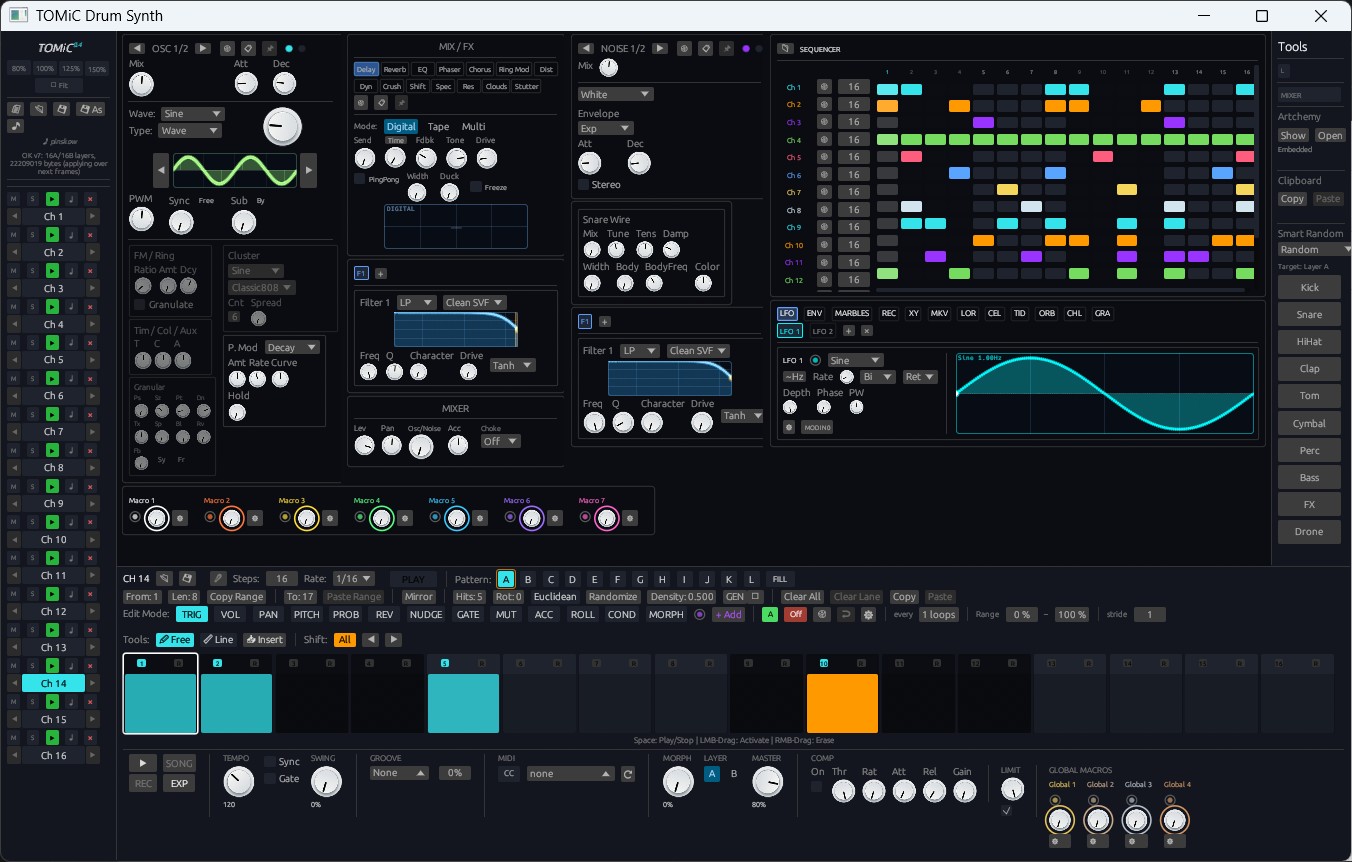
- Filterable Search & Multi-Select: The target picker now features text-based filtering and multi-select capabilities for Local and Global Macros. You can rapidly assign a single Macro to multiple destinations—like Filter Cutoff, FM Decay, and Noise Drive—without closing the menu.
- Resizable UI: The mod-target picker popup is now completely resizable, defaulting to 2x its original size to easily view massive lists of parameters across all 16 channels.
- Bi-Polar Snapping Fix: When using a Macro in Bi-polar mode, double-clicking the knob now correctly snaps to the center (0) instead of absolute zero (0%), ensuring perfectly symmetrical modulation sweeps.
🎧 2. Standalone ASIO Support & Audio Driver Picker
For users who prefer to sound-design outside the DAW, TOMiC Standalone just got a massive latency upgrade:
- Native ASIO Support: The standalone application now features full ASIO support, allowing for ultra-low latency hardware performance on Windows.
- In-App Driver Picker: Seamlessly select your audio interface, sample rate, and buffer size directly within the standalone UI.
- Sample Audition Fix: We also resolved an issue where sample-browser auditioning was silent when running through ASIO drivers.
💾 3. 90% Smaller Saves & ZSTD Compression
We completely re-architected how TOMiC serializes its state, resulting in drastically reduced project sizes and faster load times:
- Untouched Pattern Trimming: TOMiC now intelligently trims untouched pattern and step data before saving. This alone shrinks
.tomicfiles and DAW session saves by up to 90%! - ZSTD + BTreeMap Compression: We pushed optimization further by integrating
zstdcompression andBTreeMapstructures, shrinking files to their absolute minimum. - Sample Save Modes: Introduced flexible sample save modes, giving you precise control over how custom user-samples are embedded or referenced in your preset files.
🖱️ 4. Workflow Speed: Double-Click Cycling & Sample Browsing
Speed is everything when dialing in a groove. We’ve added new gestures and automated behaviors to keep you in the flow:
- Knob Double-Click Cycling: Double-clicking a knob now intelligently cycles through
Default -> Min -> Maxvalues within a 2.5-second window. It’s perfect for rapidly testing the extreme ranges of an envelope or mix amount. - Sample Switching Smart Defaults: When switching the Noise engine to "Sample" mode, the Decay, Filter, and Mix parameters now automatically open wide. You instantly hear the full, un-filtered transient of your custom sample without manually resetting the noise path.
- In-Folder Sample Cycling: You can now rapidly cycle through neighboring samples in the same folder directly from the Noise sample view, making kit-building faster than ever.
- UI/UX Polish: We executed a comprehensive UI audit delivering quick wins across the board: sharper window chrome, improved error consistency, better feature discoverability, and enhanced tooltips.
🛡️ 5. Bulletproof Stability & Host Integration
Under the hood, we made critical structural changes to ensure TOMiC never crashes your DAW, even under edge-case stress:
- Large-Stack State Restore: DAW state restoration now runs on a dedicated large-stack thread. This guarantees TOMiC survives stack overflows that could occur when host DAWs provide insufficient thread stack sizes.
- FFI Boundary Panic Catching: Hardened the VST3 and CLAP boundaries. Any panics inside the
process()audio thread or state restoration are safely caught, preventing them from unwinding across the FFI boundary and taking down your DAW. - Host Parameter Overload Fix: We stopped freezing out-of-process hosts (like Bitwig) by explicitly exposing only ~350 of the most critical parameters for automation, down from ~79k internal DSP parameters.
- Routing & Rendering Fixes: Mute and Solo commands now correctly silence multi-out aux outputs (Ch1-16), not just the Master Mix. Additionally, we fixed noise RNG seeds to decorrelate white-noise variants perfectly across voices and layers.
- Song Mode Automation: Pattern parameter automation lanes now seamlessly apply during Song Mode playback.
🚀 Get the Update
These enhancements make TOMiC faster, lighter, and more resilient than ever before.
Legacy CPU Support (Windows): We've also added a special build for older processors! If you are running Windows on an older CPU without modern instruction sets, you can now download a dedicated compatibility installer in the download section (TomicDrumSynth-Setup-0.4.0-alpha-compat.exe).
The updated builds are available now. Simply download the latest installer and overwrite your existing version to immediately benefit from these workflow upgrades.
Head over to the TOMiC Drum Synth Product Page for more info or grab your copy at the Purchase Portal!